 Trajo
TrajoiPhone and Android, even offline
Trips are captured outside coverage and sync when the signal returns.
One tracking, compliance and expense engine for six trades. At sign-in, the app takes the words of your trade and shows only the modules that serve you.
Available on iPhone and Android
Mileage
A trip starts when the movement becomes credible and stops when the vehicle comes to rest. The first points are kept while the trip is confirmed: the beginning is not lost. No button to press while driving.
Trips are captured outside coverage and sync when the signal returns.
Poor accuracy, GPS jumps, duplicates and stationary drift are discarded, on the device and then on the server.
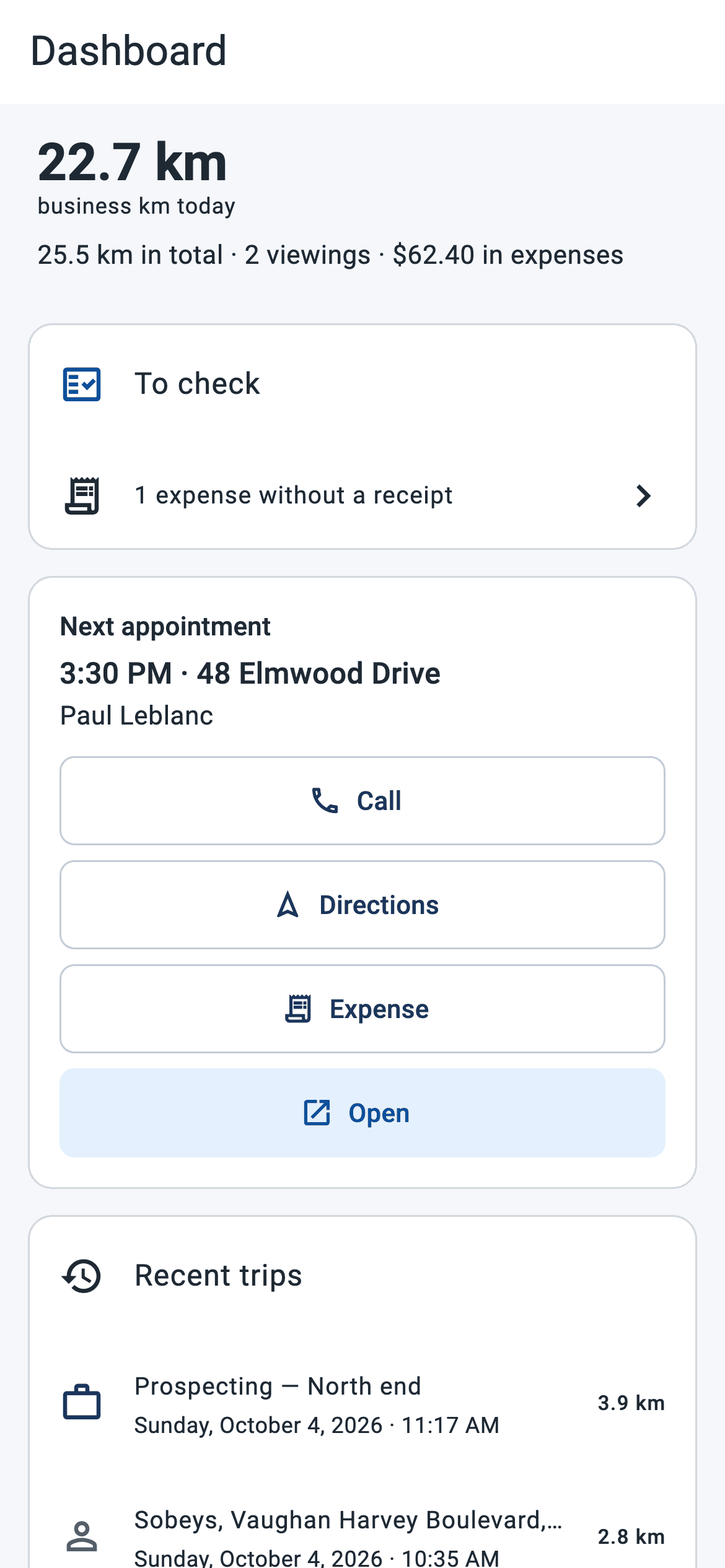
Classify personal or business, merge, split, add a forgotten trip. Automatic classification always says why, and is undone in one tap.
Each trip is tied to the right vehicle; odometer readings are photographed, even without signal.
The day
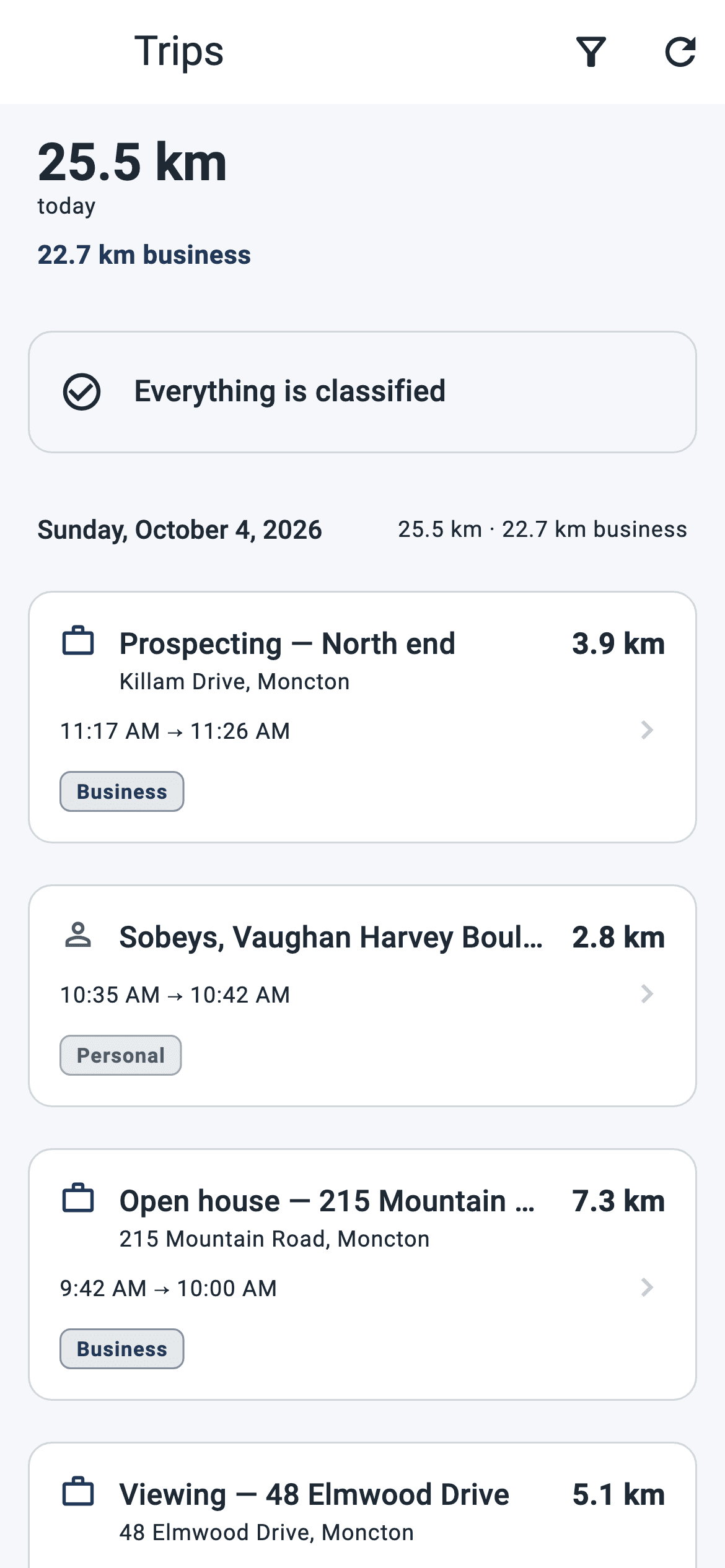
The dashboard gathers business kilometres for the day, what is waiting on you, the next appointment with call, directions, expense and open, recent trips and the week. Everything is read on the phone: the screen says the same thing in an underground garage.
Trips to classify, missing trips to decide, not corrected, not sent yet, expenses without a receipt. Each line leads where the action happens.
An appointment scheduled at an address, a trip that ends there: the business purpose writes itself. Arrival and departure are stamped by the device.
Entered in the evening, it classifies the morning's trip. The return is tied to the same appointment.
A mandate, a building, a job site or a supplier entered once becomes a known place: the trip that ends there classifies itself.
The calendar
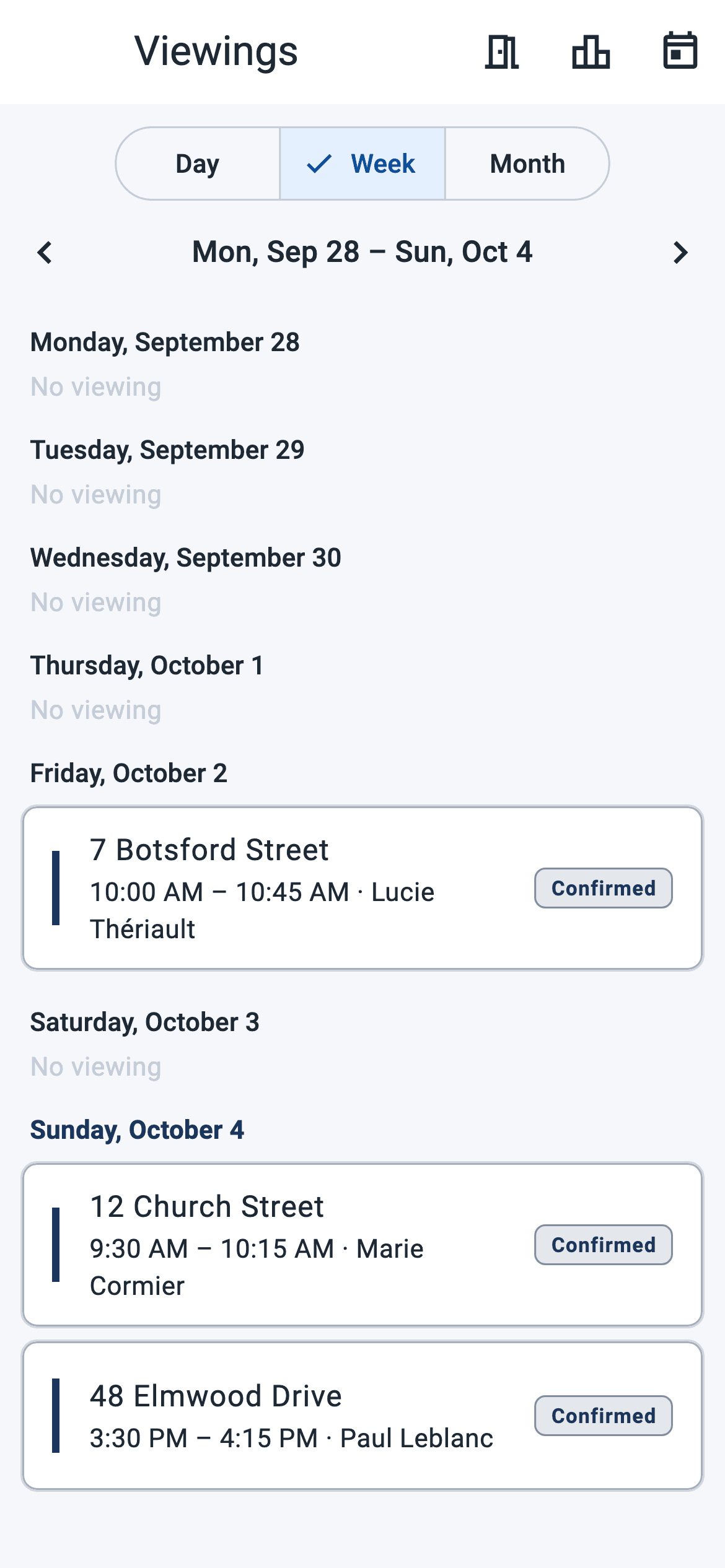
Showing, inspection, meeting, job site, site visit or appointment: the calendar speaks your trade. Day, week, month; confirmation, arrival recognized on site, notes, photos and dictation.
Arriving at the appointment is recognized and stamped by the device, even with the app closed. Nothing to type from memory in the evening.
Each appointment carries its client; the record keeps who referred you, the file's stages and the reminders.
The same stops every week or month are described once; each stop is marked done or skipped.
Five houses with the same buyer: one email naming all five, not five messages spread across the evening.
Expenses
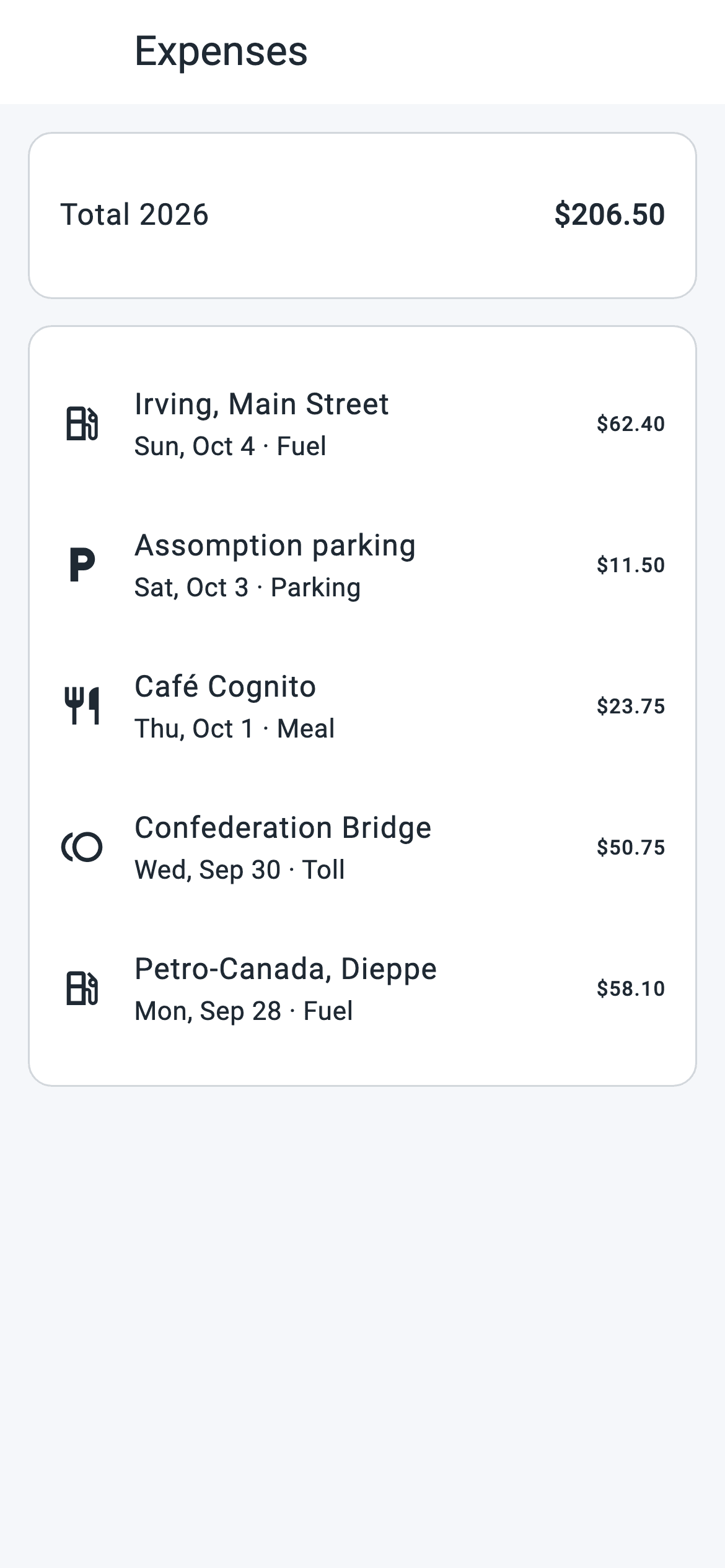
Photograph a receipt, keep the expense with its context and find it beside the trips of the same period. Entry works offline, where the network cannot follow.
Fuel, parking, toll, meals; materials, tools and subcontracting for construction; equipment for inspection and mobile trades.
The photo leaves with the expense, even without signal. Taxes are entered separately.
Date, start, end, distance, purpose; business and personal totals; start- and end-of-year odometer readings; measured and estimated kilometres kept apart. PDF and Excel, in your language.
A job site's record carries the number and total of its expenses: what a project cost is read without a spreadsheet.
Six trades
One engine, six vocabularies. Open house, client portal, prospecting, places and recurring-route modules turn on by profile. Changing profiles never erases history: older data remains available.
Privacy
The organization never sees a member's live position or route. Only totals, after the fact. Everyone has a private mode two taps away and a time-stamped consent they can withdraw.